CreatorConfig is supported by its audience. We may earn commissions from qualifying purchases through affiliate links on this page. Full disclosure
What a capture card changes on PS5
The PS5 streams to Twitch on its own, so a capture card is not the price of entry, it is the upgrade that buys OBS scenes, any camera you like, and recordings worth editing. The catch is that the PS5 outputs up to 4K at 120Hz with VRR, which is more signal than most cards can pass through to your TV, so the wrong card downgrades your own picture while you play. Here is what to buy, and why.
The Ruling
What is the best capture card for PS5?Get the Elgato HD60 X.
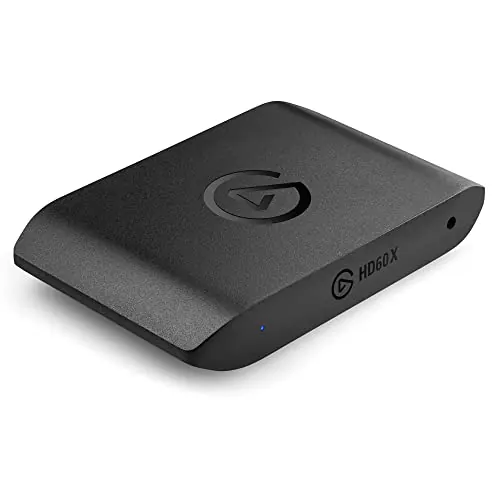
The Elgato HD60 X is the best capture card for PS5 for most streamers, because it passes 4K60 HDR through to your TV with VRR intact while capturing the clean 1080p60 that Twitch actually delivers to viewers, over plug-and-play USB-C, at a price well under the 4K-capture tier.
Unless…
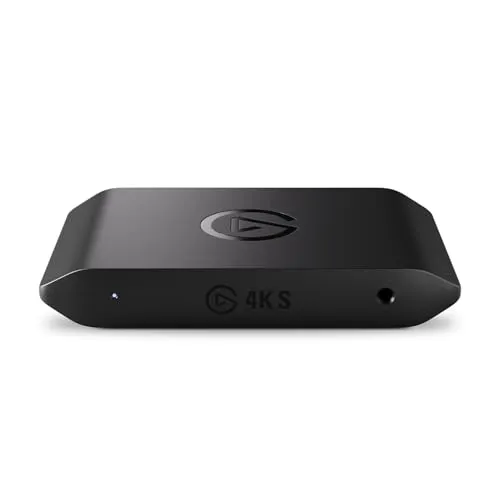
- You record for YouTube — get the Elgato 4K S.It captures true 4K60 at the same price, and 1080p footage has no 4K upside later.
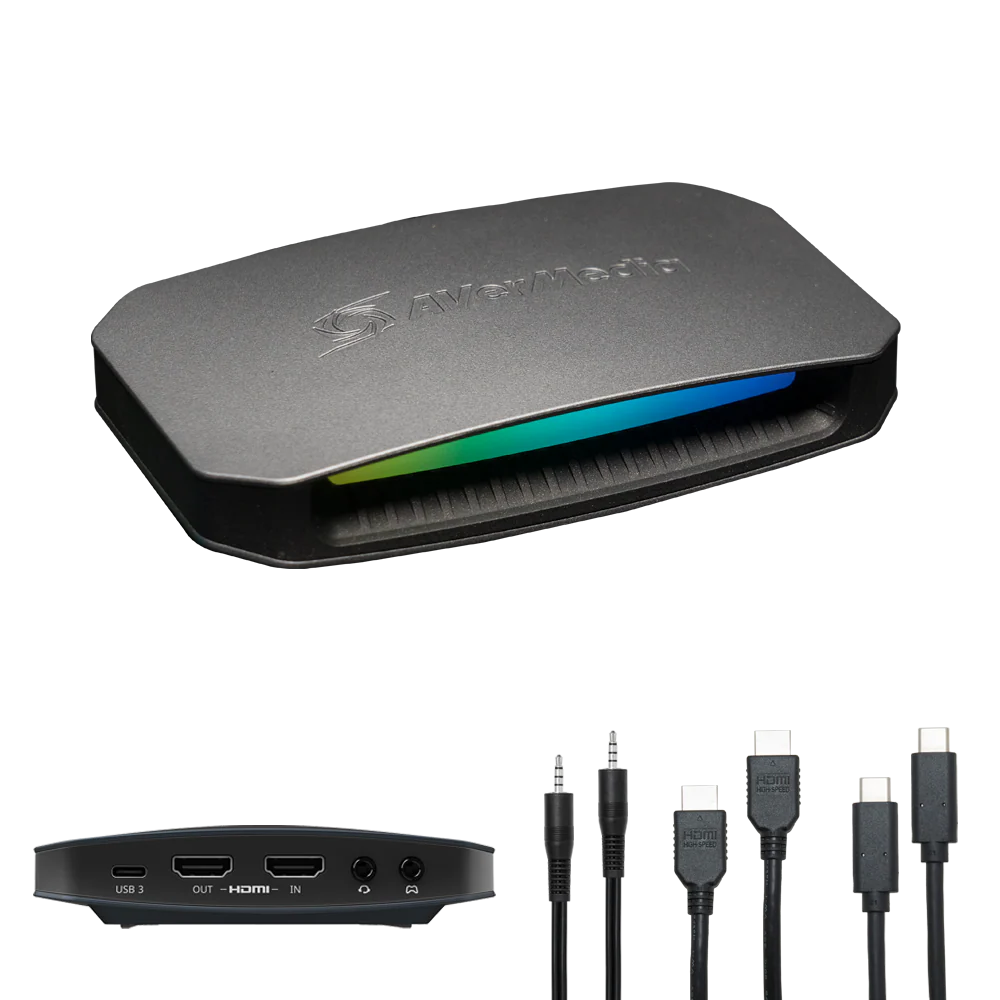
- You play at 4K120 — get the AVerMedia ULTRA 2.1.Its HDMI 2.1 passthrough is the only one here that will not cap a 120Hz TV at 60Hz.
The full ranking
- Best overall for PS5:Elgato HD60 X, 4K60 HDR passthrough with 1080p60 capture
- Best 4K capture:Elgato 4K S, records 4K60 for YouTube at the same price
- Best for 4K120 play:AVerMedia Live Gamer ULTRA 2.1, HDMI 2.1 passthrough
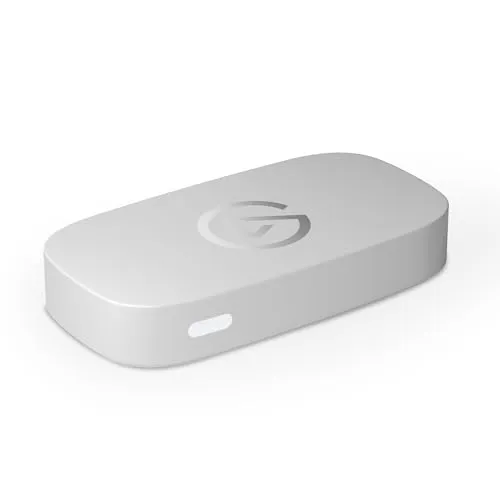
- Best budget:Elgato Game Capture Neo, the essentials with 4K60 passthrough
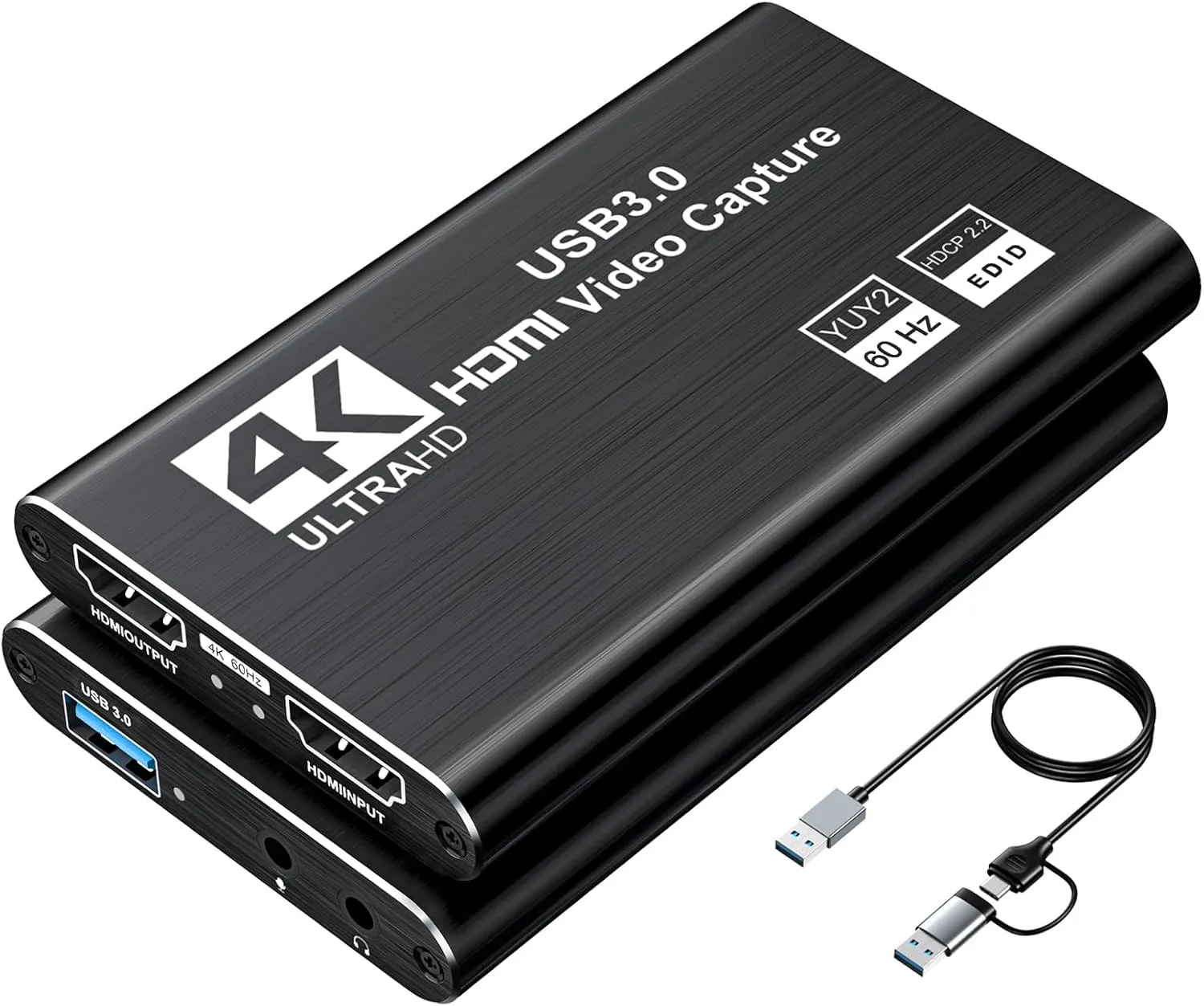
- Cheapest way to try:XIIXMASK HDMI capture card, under 40 dollars to test the workflow
This guide covers external and internal capture cards that sit between the PS5 and your TV and send gameplay to a PC over USB. It is not about the console’s built-in broadcasting, and it is not about PC-only internal workflows.
At a Glance
How the three real contenders compare
Every card here trades one strength for another, so the shape matters more than the size. The HD60 X owns the two axes a PS5 streamer touches every day, value and ease of use, and gives up recording headroom. The other two buy that headroom back with money or with setup effort.
Each spoke runs 0 at the center to 10 at the outer ring.
- Elgato HD60 XOur pick. Best balance for PS5 streaming.
- Elgato 4K STake it instead if you record for YouTube.
- AVerMedia ULTRA 2.1Take it instead if you play at 4K120.
| Category | Elgato HD60 X | Elgato 4K S | AVerMedia ULTRA 2.1 |
|---|---|---|---|
| Capture Quality | 6/10 | 10/10 | 10/10 |
| Passthrough | 8/10 | 7/10 | 10/10 |
| Recording Headroom | 4/10 | 10/10 | 9/10 |
| Value | 9/10 | 8/10 | 4/10 |
| Ease of Use | 10/10 | 6/10 | 6/10 |
Quick Comparison: Best Capture Cards for PS5
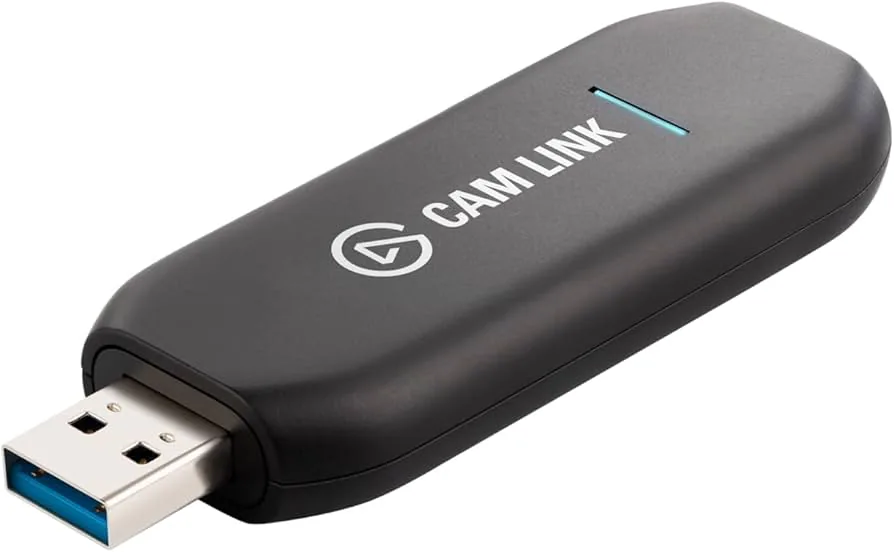
Elgato HD60 X
Best for PS5
Elgato 4K S
4K Capture
AVerMedia ULTRA 2.1
4K120 Play
Elgato Neo
Best Budget
XIIXMASK Capture Card
Cheapest
The Reviews
Every pick in detail
Ranked in the order most PS5 streamers should consider them. Each card leads with what it wins on and what should send you elsewhere, so you can stop reading the moment one disqualifies itself.
Elgato HD60 X
Key Specifications
The HD60 X is the sensible PS5 pick because it spends the budget on the half of the job you actually feel. Passthrough is 4K60 with HDR10, so the picture on your TV stays exactly what the PS5 sends for the huge majority of games, and it passes VRR through rather than stripping it, which cheaper cards quietly do.
Capture tops out at 1080p60, and for live streaming that is not the compromise it sounds like. Twitch delivers most channels at 1080p60 at best, so a clean 1080p60 capture is what your viewers were going to receive anyway. The card captures HDR gameplay as properly tone-mapped SDR, which saves you from the washed-out look that HDR sources cause in OBS on cards that ignore the problem.
Where it genuinely falls short is recording for YouTube, because 1080p source footage has no 4K upside later, and fast-paced 120Hz play, since the passthrough caps a 4K120 display at 60Hz. If either of those describes you, the 4K S or the ULTRA 2.1 below exist for exactly that reason. For everyone else this is the card that just works with a PS5.
Why it wins
- Passes 4K60 HDR and VRR through untouched
- Tone-maps HDR to SDR so OBS footage looks right
- Plug and play over USB-C with no drivers to fight
Skip if
- You record gameplay for 4K YouTube videos
- You play at 4K120 and refuse to give it up
- You want the absolute cheapest route in
Elgato 4K S
Key Specifications
The 4K S answers a simple question: what if you want actual 4K footage off your PS5 without moving to the premium tier? At the same price as the HD60 X, it trades that card’s HDR tone-mapping polish for genuine 4K60 capture, which changes what the card is for.
Recorded gameplay at 4K is the difference between YouTube videos that look native and videos that look upscaled. If your output is edited content, VOD archives, or anything viewers watch on a TV rather than a phone, capturing at the resolution the PS5 renders is worth more than any streaming feature. It needs a proper USB 3 port and a reasonably modern machine to swallow the data rate, which is the practical constraint to check before buying.
For pure live streaming the extra capture resolution mostly gets transcoded away, which is why this is the second pick rather than the first. Passthrough matches the HD60 X apart from HDR handling, so you are not giving up your own picture quality to get the recording headroom.
Why it wins
- True 4K60 capture at a mid-tier price
- Same 4K60 passthrough ceiling as the HD60 X
- The right card if YouTube is the destination
Skip if
- You only stream live and never edit recordings
- Your PC or laptop has weak USB bandwidth
- You want HDR handled automatically
AVerMedia Live Gamer ULTRA 2.1
Key Specifications
The ULTRA 2.1 is the card for people who bought an HDMI 2.1 television specifically to get 4K120 out of their PS5 and are not prepared to hand it back to a capture card. Its HDMI 2.1 passthrough carries up to 4K144 with VRR, which means the console’s full output, 4K120 included, reaches your TV as if the card were not there.
That is the entire pitch, and for the right person it is decisive. Every cheaper card on this list caps passthrough at 4K60, so a 120Hz TV plays at half its refresh rate while you stream. This one removes the compromise, and it captures at 4K on top, with its highest frame-rate capture modes living in AVerMedia’s own software rather than OBS.
If your TV is 60Hz, most of what you are paying for goes unused and the HD60 X does the visible parts for far less. Check the panel before the card: this is a purchase that follows the display, not the console.
Why it wins
- HDMI 2.1 passthrough keeps 4K120 and VRR intact
- Captures 4K while you play at full refresh
- The only card here with no passthrough compromise
Skip if
- Your TV tops out at 60Hz anyway
- You want every capture mode inside OBS
- The budget stops under 300 dollars
Elgato Game Capture Neo
Key Specifications
The Neo is Elgato’s entry card, and it keeps the two numbers that matter for a straightforward PS5 stream: 1080p60 capture for the platform you broadcast to, and 4K60 passthrough so your own picture is not the thing that got cheaper. That combination at around 120 dollars is the honest budget floor from a major brand.
What it strips away is the headroom rather than the fundamentals. There is no 120Hz passthrough of any kind, so competitive players on high-refresh displays feel the cap immediately, and the HDR story is simpler than the HD60 X’s. The build and software are standard Elgato, which is a real advantage over the generic tier when something misbehaves and you want a support page that actually mentions your device.
For a first console streaming setup where the alternative was the built-in broadcaster, the Neo is the card that gets OBS, overlays and a proper camera into the picture with the least money at risk.
Why it wins
- The essentials, 1080p60 capture with 4K60 passthrough
- Elgato software and support at the budget tier
- Simple USB-C setup, nothing to configure
Skip if
- You have a 120Hz display you actually use
- You want HDR tone-mapping handled for you
- You will outgrow 1080p recordings quickly
XIIXMASK Capture Card
Key Specifications
The XIIXMASK is here for one job: letting you find out whether capture-card streaming is actually your thing for less than the cost of a game. It is a generic UVC device, which means it shows up in OBS like a webcam with no drivers, captures 1080p60, and passes 4K60 through, at least on paper.
The honesty required at this price is that generic cards vary. Quality control is looser than the name brands, claimed specifications are optimistic on some units, and there is no software, no HDR handling and no support to speak of. What you get in exchange is a functioning PS5-to-OBS pipeline for under 40 dollars, and plenty of units do exactly what they claim.
The sensible way to use it is as a trial run. If you set it up, stream twice and lose interest, it saved you 140 dollars. If you find yourself streaming every week, you will know precisely which limitation bothers you, and which card above fixes it.
Why it wins
- A complete PS5 capture pipeline under 40 dollars
- Driverless UVC, appears in OBS immediately
- 4K60 passthrough claimed at a generic-card price
Skip if
- You already know you will stream regularly
- You need reliable HDR or high-refresh handling
- You want support when something goes wrong
Buying Guide
Passthrough tiers and what they mean on a PS5
| Passthrough | What your TV shows while streaming | Who it suits |
|---|---|---|
| 4K30 | A visibly worse picture than the PS5 sends | Nobody, avoid this tier for PS5 |
| 4K60 | Full quality for the majority of PS5 games | Most streamers, most TVs |
| 4K60 + HDR + VRR | Adds the PS5’s HDR and tear-free output | Anyone with an HDR TV, the HD60 X tier |
| HDMI 2.1, 4K120 | Everything the console can output, untouched | 120Hz TV owners and competitive players |
Buying Guide
The two specs that decide everything
Passthrough resolution. This is the spec you live with every minute you play, because it caps what your own TV receives while the card is in the chain. A PS5 outputs up to 4K at 120Hz with HDR and VRR, and any signal the passthrough cannot carry simply gets negotiated down: plug a 4K120 console into a 4K60 card and you play at 60Hz all night. Match the passthrough to your display, not to the console. A 60Hz TV needs nothing beyond 4K60 with HDR, and paying for HDMI 2.1 passthrough it cannot show is money spent on a number.
Capture resolution. This is the spec your audience receives, and it is worth less than most buyers assume for live streaming, because Twitch serves most channels at 1080p60 or below regardless of what you feed it. Capture resolution starts mattering when you record: 4K source footage is what makes YouTube gameplay videos look native rather than upscaled. The honest shorthand for a PS5 buyer is that passthrough is for you, capture is for YouTube, and 1080p60 capture is genuinely enough for Twitch.
Setup
The PS5 settings that catch everyone
HDCP is on by default, and it blanks capture cards. The PS5 ships with HDCP copy protection enabled on its HDMI output, and a capture card presented with a protected signal shows a black screen. The fix is one toggle: Settings, System, HDMI, Enable HDCP, off. Games play and capture normally without it. Streaming apps are the trade-off, because Netflix and its peers refuse to run while HDCP is disabled, so the toggle goes back on when the controller goes down for the night.
Party chat never reaches the HDMI cable. The capture card hears game audio because game audio travels over HDMI. Your friends do not: party chat routes to the controller or headset, so a stream capture is silent teammates and a one-sided conversation unless you deal with it. The console can inject shared party audio into broadcasts with everyone’s consent, but the flexible fix is hardware, taking chat from the controller’s headphone output into a small mixer alongside your microphone. Our best audio mixers for PS5 streaming guide is entirely about that wiring, and it pairs with every card on this page.
VRR passthrough is quietly binary. The PS5 supports variable refresh rate, and a card either passes it through or strips it. If your TV supports VRR and you play anything fast, check the passthrough line for VRR support specifically, because a stripped signal falls back to fixed refresh and reintroduces exactly the judder you bought the TV to remove.
Sanity Check
Before you spend anything
Be sure the capture card is solving your actual problem. If your stream sounds wrong, no video hardware fixes it, and the money is better spent on the audio chain covered in our PS5 mixer guide. If your OBS output stutters or looks blocky, that is usually encoder settings rather than the capture card, and our OBS settings guide costs nothing to apply.
If you stream from a PC at high refresh rather than a console, the priorities flip and our best capture cards for 1440p 144Hz guide is the better read. Xbox owners have the same decision with different HDMI details in the best capture cards for Xbox Series X guide, and Switch owners get dock-specific advice in the best capture cards for Nintendo Switch guide. If the goal is streaming to friends in a Discord voice channel rather than to Twitch, our PS5 to Discord walkthrough uses these same cards. And if you are assembling the whole setup at once, the setup builder checks that the parts you pick actually work together before you buy any of them.
FAQ
Frequently asked questions
Do you need a capture card to stream from a PS5?
No, not for basic streaming. The PS5 can broadcast directly to Twitch and YouTube from the Create button with no extra hardware. You need a capture card the moment you want anything that built-in broadcasting cannot do: OBS overlays and alerts, a camera that is not the PlayStation camera, streaming to platforms the console does not support, recording high-bitrate local footage for editing, or running your stream through a PC where you control the encoder settings. If you only want your gameplay live on Twitch with a PlayStation camera in the corner, save the money.
Why does my capture card show a black screen with the PS5?
Almost always HDCP, the copy protection the PS5 applies to its HDMI output by default. Capture cards cannot decode an HDCP-protected signal, so they show black. Turn it off under Settings, System, HDMI, Enable HDCP. Games capture normally with it disabled. The catch is that streaming apps such as Netflix refuse to play while HDCP is off, so you will toggle it back on for movie nights. If the screen is still black after that, check that the console is plugged into the port labelled IN on the card, not OUT.
Does a capture card record PS5 party chat?
Not by itself. Party chat never enters the HDMI signal, so the capture card only ever sees game audio. Your teammates are routed to whatever headset is attached to the controller or the console. To get chat onto the stream you either enable the PS5 option to share party audio in your broadcast, which has consent prompts for everyone in the party, or you route chat audio through hardware, typically a mixer that takes the controller headphone output as one input alongside your microphone. The hardware route is what most serious console streamers end up with, because it gives you separate volume control over game, chat and voice.
Is 4K capture worth it for PS5 streaming?
For live streaming, usually not. Twitch transcodes most channels at 1080p60 or below, so a 4K capture stream gets downscaled before anyone sees it, and a card that captures a clean 1080p60 looks identical to viewers. Where 4K capture earns its money is recording: YouTube serves 4K video, so gameplay recorded at 4K for edited videos or VODs benefits directly. What matters for every PS5 streamer regardless is passthrough, because that decides what your own TV shows while you play. Buy capture resolution for your audience and passthrough for yourself.
Does a capture card add input lag on PS5?
Not if you play from the passthrough. The passthrough port sends the signal to your TV with no meaningful added delay, so the game feels exactly as it did plugged straight in. The preview inside OBS runs a second or so behind, which is normal and only matters if you try to play from the preview window, which you should never do. The one real constraint is that the passthrough decides your ceiling: a 4K60 passthrough card caps a 120Hz-capable TV at 60Hz while it is in the chain, and only HDMI 2.1 cards pass 4K120 and VRR through untouched.