ASUS ProArt PA279CRV 27" 4K Pro Monitor vs Gigabyte M32Q 32" 4K 144Hz Monitor
ASUS ProArt PA279CRV vs Gigabyte M32Q: Get the Gigabyte M32Q 32" 4K 144Hz Monitor, narrowly. The Gigabyte M32Q 32" 4K 144Hz Monitor wins Refresh Rate, but...
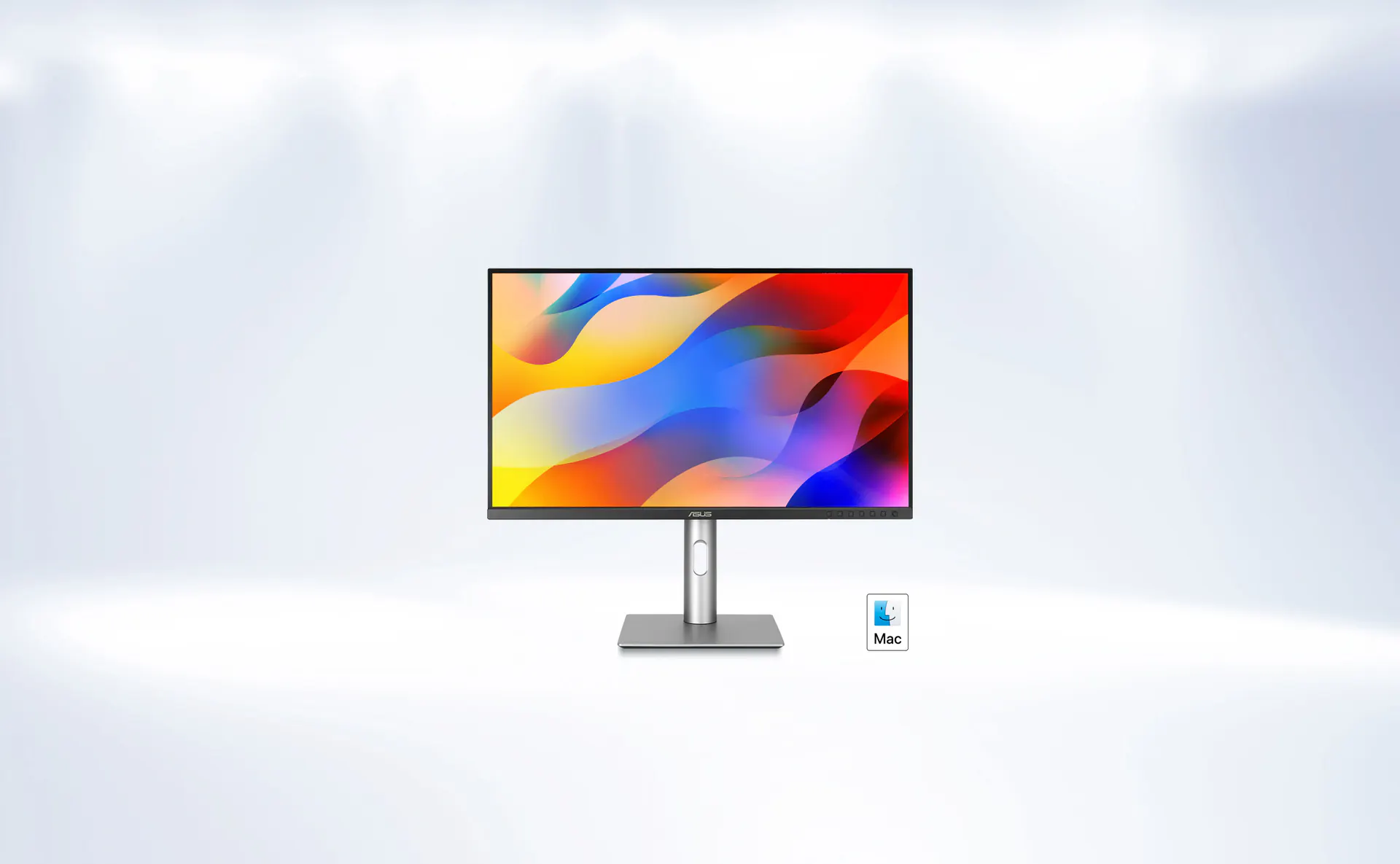
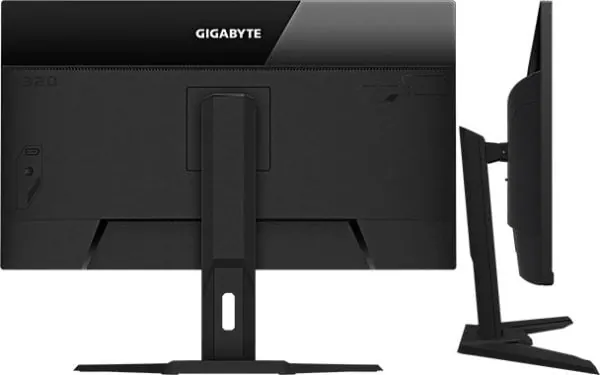
The Ruling
ASUS ProArt PA279CRV 27" 4K Pro Monitor or Gigabyte M32Q 32" 4K 144Hz Monitor? Get the Gigabyte M32Q 32" 4K 144Hz Monitor, narrowly.
The Gigabyte M32Q 32" 4K 144Hz Monitor wins Refresh Rate — but only just, and the rest of the chart is close. It is also the cheaper of the two, by $84.97.
At a Glance
Where each one actually leads
Every axis is scored out of 10 from the catalog specs below. The scores are relative to the products on this page, so a 10 means “best of these”, not “perfect”, and two identical columns mean the catalog genuinely cannot separate them. Axes the catalog holds no figure for on both sides are left off entirely rather than guessed at.
| Category | ASUS ProArt PA279CRV 27" 4K Pro Monitor | Gigabyte M32Q 32" 4K 144Hz Monitor |
|---|---|---|
| Screen Space | 10/10 | 10/10 |
| Refresh Rate | 4.2/10 | 10/10 |
| Connectivity | 10/10 | 10/10 |
| Value | 8.1/10 | 10/10 |
The Split
What each one wins
ASUS ProArt PA279CRV 27" 4K Pro Monitor
Display option aimed at creator desks, gameplay viewing, and multi-purpose editing or streaming setups.
It gives up refresh rate to the Gigabyte M32Q 32" 4K 144Hz Monitor. That costs $84.97 more than the Gigabyte M32Q 32" 4K 144Hz Monitor.
Leads on
- Nothing on the spec sheet goes this one’s way.
Gigabyte M32Q 32" 4K 144Hz Monitor
Display option aimed at creator desks, gameplay viewing, and multi-purpose editing or streaming setups.
On paper the Gigabyte M32Q 32" 4K 144Hz Monitor takes refresh rate (144Hz, +84Hz). It concedes nothing measurable on the sheet. It is the cheaper of the two, by $84.97.
Leads on
-
Refresh Rate +84Hz144Hz60Hz
Higher refresh rate makes gameplay smoother on your gaming monitor.
Where they’re identical
These 5 specs are the same on both of them, so none of it is part of the decision.
- Connection Type hdmi, displayport
- Resolution 4K
- HDMI Ports 2
- DisplayPort Ports 1
- Panel Type IPS
The Record
7 specs, grouped by area
A group is won by whoever takes more of its rows outright. Specs the catalog cannot rank are shown but never decide a group.
Bottom Line
Who each one is for
The Gigabyte M32Q 32" 4K 144Hz Monitor is the pick on the specs the catalog holds, but “better on paper” and “right for you” are different questions. Each case below names what the product is actually good at and who that suits.
Frequently Asked Questions
What is the main difference between ASUS ProArt PA279CRV 27" 4K Pro Monitor and Gigabyte M32Q 32" 4K 144Hz Monitor?
The largest gap is refresh rate, where the Gigabyte M32Q 32" 4K 144Hz Monitor leads — 144Hz against 60Hz. Across the catalog's specification sheet the two differ on 1 spec. They match on 5 specs, including connection type, resolution and HDMI ports. Two monitors from ASUS and Gigabyte, each taking a different approach to color accuracy and screen real estate.
Which is better for streaming, ASUS ProArt PA279CRV 27" 4K Pro Monitor or Gigabyte M32Q 32" 4K 144Hz Monitor?
Get the Gigabyte M32Q 32" 4K 144Hz Monitor, narrowly. The Gigabyte M32Q 32" 4K 144Hz Monitor wins Refresh Rate — but only just, and the rest of the chart is close. It is also the cheaper of the two, by $84.97.
What do the ASUS ProArt PA279CRV 27" 4K Pro Monitor and Gigabyte M32Q 32" 4K 144Hz Monitor have in common?
Both share 5 specifications in the catalog, including connection type (hdmi, displayport), resolution (4K), HDMI ports (2) and displayport ports (1), among others. None of those is a reason to pick one over the other.
Is the ASUS ProArt PA279CRV 27" 4K Pro Monitor worth the extra $85 over the Gigabyte M32Q 32" 4K 144Hz Monitor?
The ASUS ProArt PA279CRV 27" 4K Pro Monitor costs $454.97 against $370.00, a difference of $85. On the catalog's specifications it does not lead the Gigabyte M32Q 32" 4K 144Hz Monitor anywhere, so the premium buys brand, build or something the catalog does not record. Whether that is worth it depends on which of those you would actually use.